
When we see an ad for a restaurant in a beauty salon, it feels out of place, right? The same goes of popups, showing a notification in the wrong place is almost as bad as not showing it at all.
For example, displaying a discount while a customer is still browsing products may seem premature, or showing a purchase notification on the checkout page can feel intrusive. That’s why one of the most important features of WooCommerce Popup Notifications is Schedule & Trigger Options feature.
What is the Schedule & Trigger Options
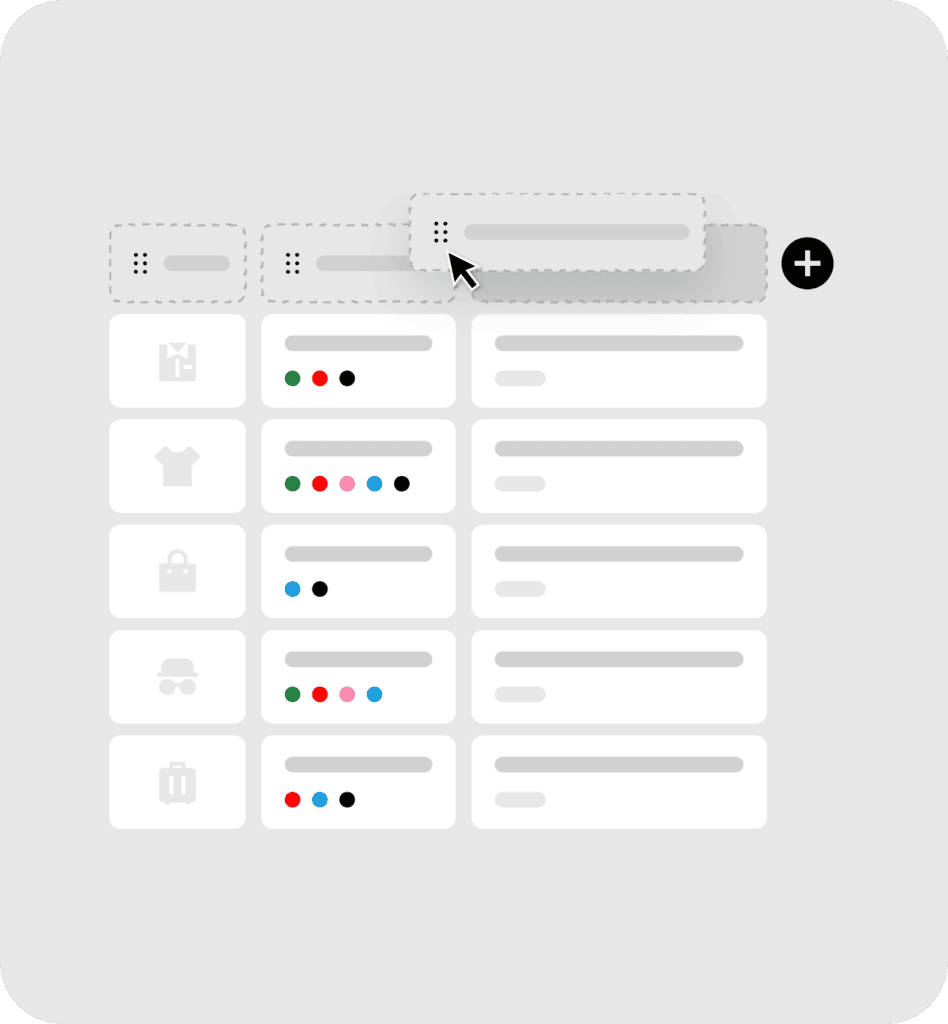
This feature gives you the full control over where and when your popups appear throughout your store. You decide whether to show notifications on specific product page, across an entire product category, or site wide.
Why It Matters
- Precise Targeting
With this feature, you don’t just show popups randomly or to every visitor. Instead, your notifications appear to the right customer, at the right place, and at the right time.
- Relevant Popups Get Acted On. Random Ones Get Closed.
Customers have become very skilled at ignoring anything that doesn’t seem relevant to them. A notification that appears on every page, regardless of context, trains visitors to close it without reading. But a notification that shows at the right moment on the right page feels like useful information
- Better Engagement
Customers are more likely to engage with popups when they appear at the right moment, exactly when it matters.
Who Benefits from This Feature
- Marketing Teams
With this feature, marketers can target their customers precisely using custom text, a design that matches the brand identity, and display messages in the right place at the right time, making advertising campaigns more effective.
- Stores With Large Catalog
When you have hundreds of thousands of products across multiple categories, generic notifications quickly become irrelevant. This feature lets you match notifications to the right sections of your store, ensuring every message stays meaningful.