How to install the Pro version
Every WBW Pro plugin installs on top of its free version. You need the free plugin active, the Pro zip from your account, and your license key.
- Install and activate the latest free version of the plugin.
- Log in to your account on this site. Open Downloads and download the Pro zip for your plugin. You get the link after purchase.


- In WordPress, go to Plugins > Add New > Upload Plugin, choose the zip and click Install Now.
- Click Activate Plugin.
- Open the plugin in the WordPress menu and click the License tab.
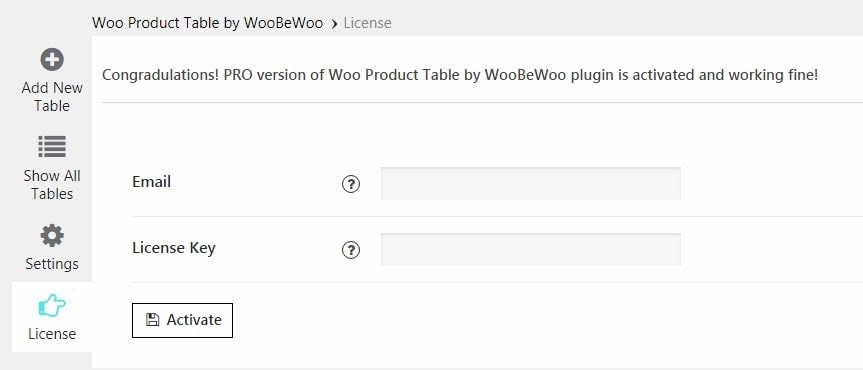
- Enter your email and the license key from your account, then click Activate.
The license key is in your account under Licenses. If activation fails, contact support with your order number.
Still stuck?
Ask in the free support forum on wordpress.org. The developers answer there, and every answer helps the next store owner.