Show Private products
If you have private products in the shop, you can also display them in the WooCommerce Product table.
In order to add them to the table, you need:
- Click on the button Add products
- In the Manage table content window, check Show private to display them in the list of products.
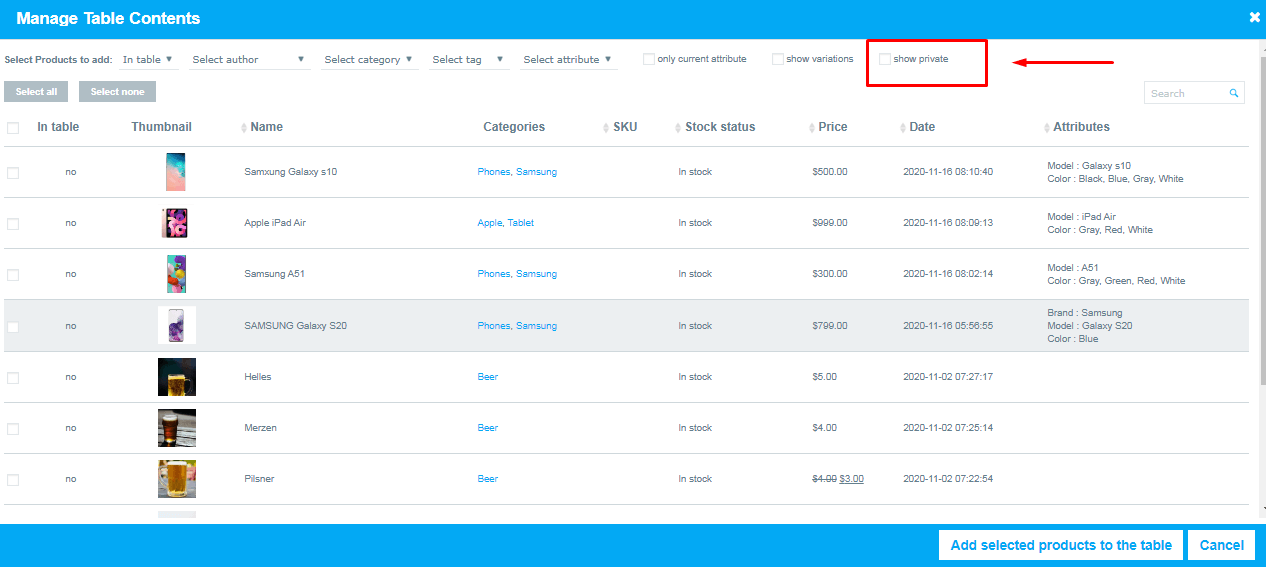
- Select and add the private product to the table
- Move to the Features tab and enable the Show private products option.
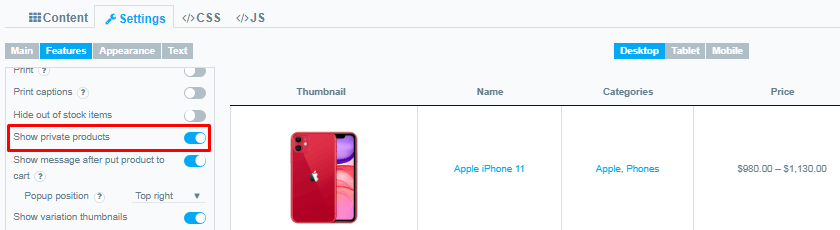
Selected private products will be visible and available for order in the Product table on front-end.
Still, have questions? Read our detailed documentation or Contact us and we will be happy to help you
Still stuck?
Ask in the free support forum on wordpress.org. The developers answer there, and every answer helps the next store owner.