How to display sales of the products
WooCommerce Product Table gives an option to display all necessary information about the products in columns. One of them is a SALES column.
If you add it to the table you actually can show the customers how many times the product has been sold. This data is base on WooCommerce Report, Sales by-product and provides information about total sales periods.
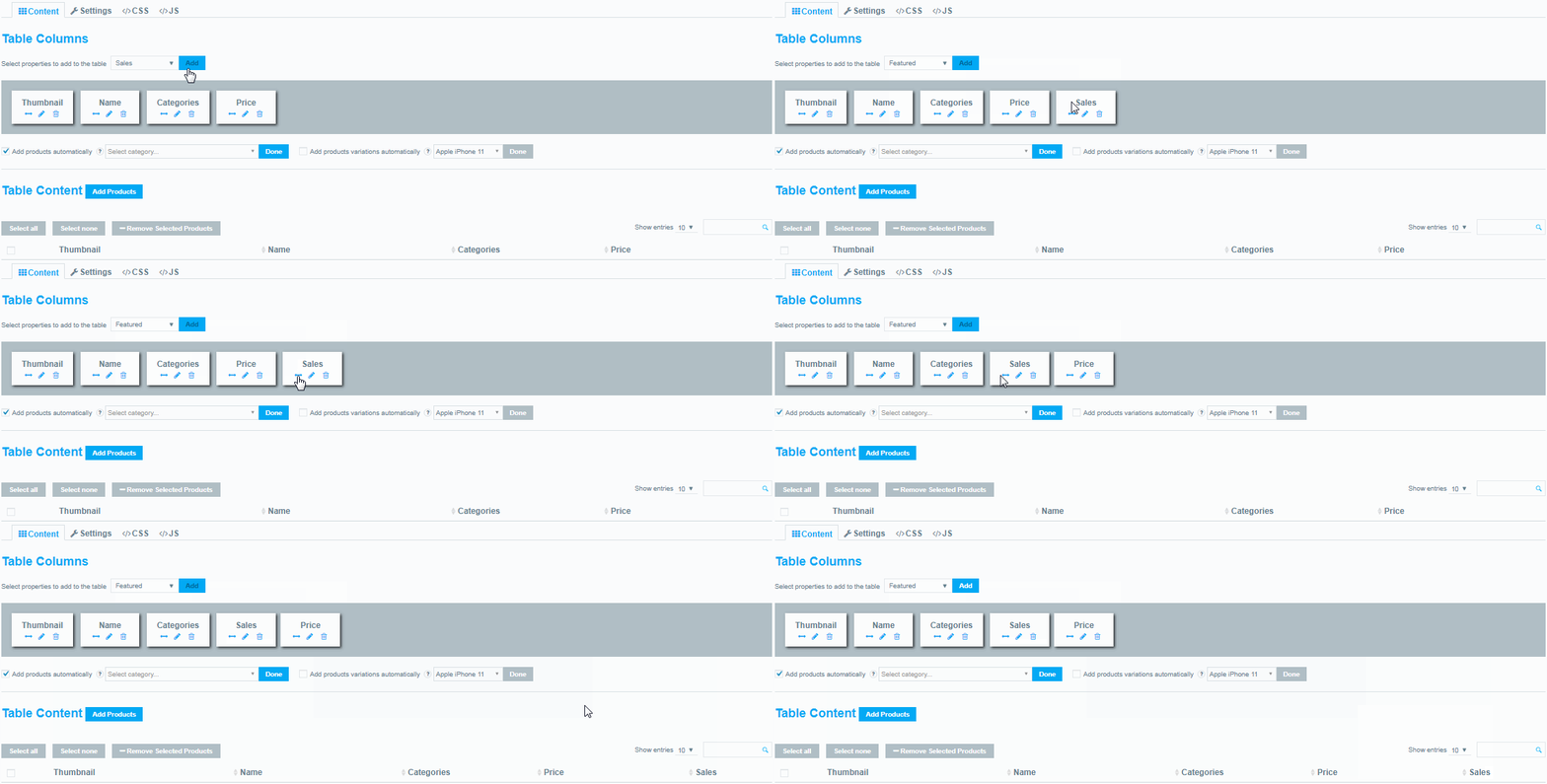
To add Sales column, select it in the drop-down of available parameters and press Add:
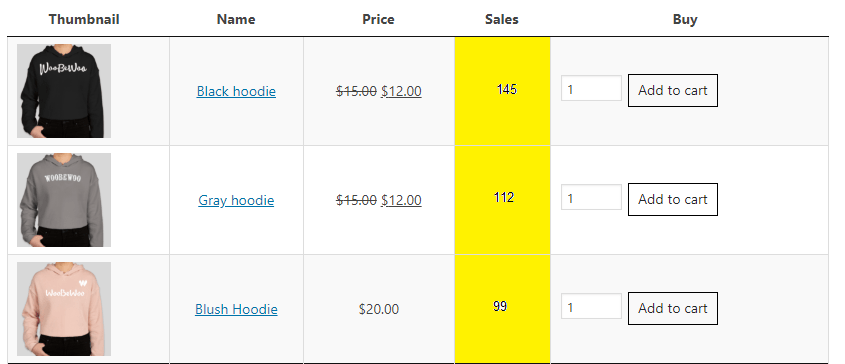
As a result, a table with Sales presentation is ready:
Still stuck?
Ask in the free support forum on wordpress.org. The developers answer there, and every answer helps the next store owner.