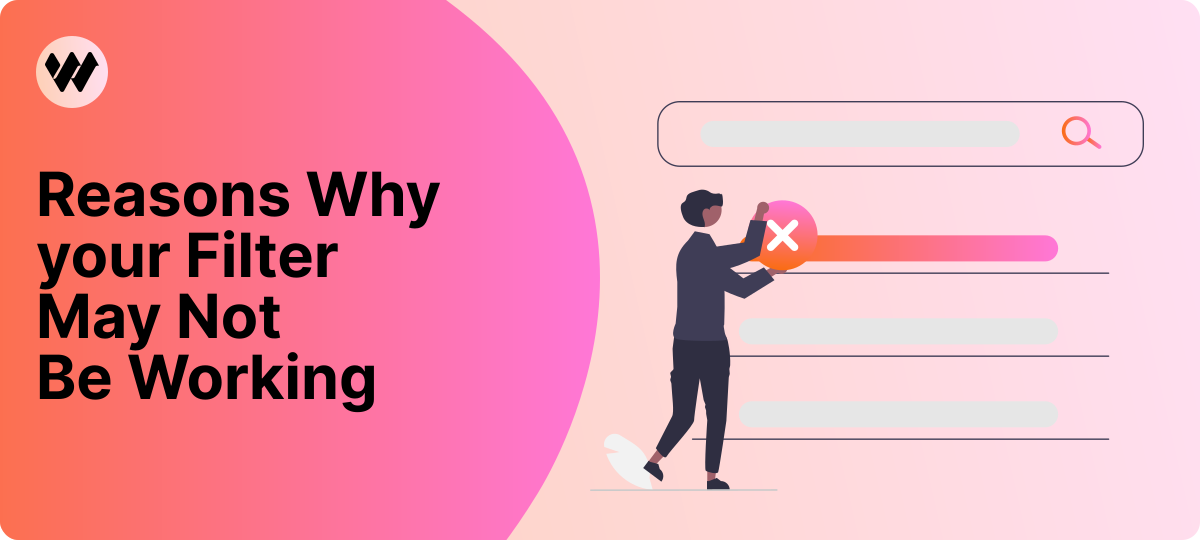


Struggling with WooCommerce filter problems? Setting up filters can be tricky if your product data isn’t prepared correctly.
Before using any product filter plugin, make sure your products meet basic WooCommerce standards. Proper preparation will minimize common filtering issues.
In this guide, we’ll cover the most common WooCommerce product filter problems, explain why they happen, and show you practical fixes, with examples from advanced plugins like WooCommerce Product Filter by WooBeWoo.
Common WooCommerce Product Filter Problems
Filters Are Not Displayed on the Page
Why This Happens
-
Filters are usually pulled automatically on WooCommerce pages.
-
If you try to show them on custom pages, you must set Display On Pages.
How to Fix It
-
Go to Options → Main tab → Display On Pages dropdown and select the pages where filters should appear.
Pro Tip
-
Always double-check your theme compatibility to avoid invisible filters.
Products Are Not Filtered Correctly
Why This Happens
-
Multiple product shortcodes on the same page confuse the filter.
How to Fix It
-
Specify which product container the filter should affect.
Pro Tip
-
Limiting the filter to a specific container prevents conflicts with other shortcodes.
Settings Are Overwritten After Filtration
Why This Happens
-
AJAX filtration may conflict with the theme, affecting product lists, pagination, or count blocks.
How to Fix It
-
Ensure Product Container Selector is filled for proper functionality.
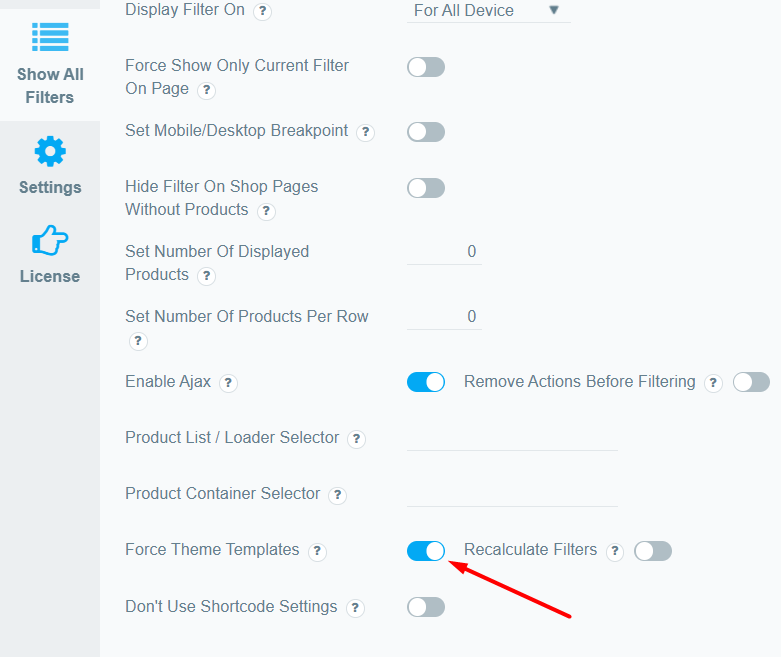
Floating Button Doesn’t Work on Mobile
Why This Happens
-
Theme styles can hide the button on mobile.
How to Fix It
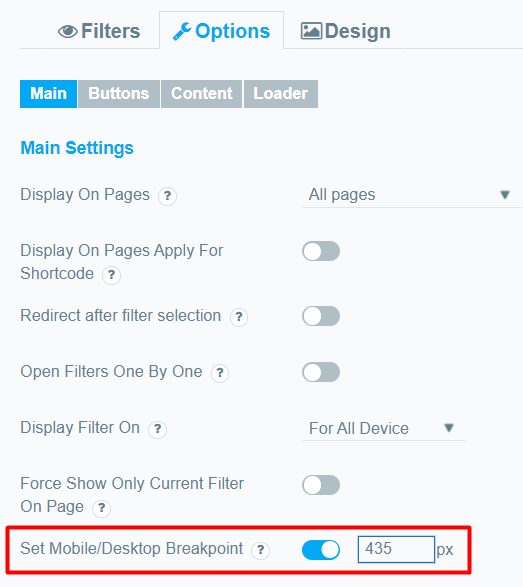
Filters Don’t Work with Product Widgets in Elementor
Why This Happens
-
Third-party widgets may not use WooCommerce shortcodes.
How to Fix It
-
Go to Options → Content tab → Enable third-party prefilter.
-
Works with Product Grid Widget + Essential Addons for Elementor, or other custom Elementor widgets.
Conclusion
Properly setting up WooCommerce product filters can drastically improve your store’s usability and sales.
By understanding common filter problems and using practical solutions, you can reduce user frustration, avoid conflicts with themes and plugins, and guide your customers directly to the products they want.
Plugins like WooCommerce Product Filter by WooBeWoo make it easy to implement these fixes while keeping your store flexible and user-friendly.