
WooCommerce Product Filter is a fully customizable filter that will make your store more attractive and successful.
By adjusting the width of the filters and adjusting the width of the blocks, you can use every pixel of your store to good use.
Filter Width
Here you can set the filter width in pixels or percentage..
By default, the width is 100% new; you can change it if you wish in % or pixels.

This parameter sets the maximum width of the Filter.But the rest of the contents of the Filter also affects its width – check how it looks in preview mode.
Filter Block Width
Here you can set the filter block width in pixels or percentage.
By default, the width is 100% new; you can change it if you wish in % or pixels.
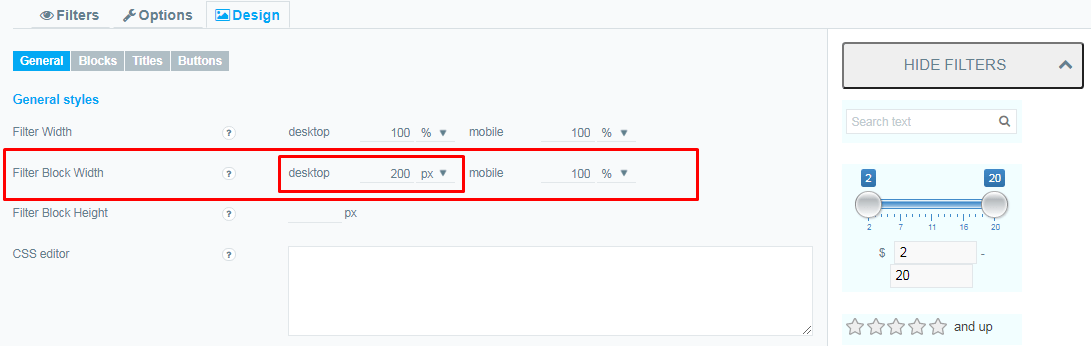
This parameter sets the maximum width of the B;ock Filter.But the rest of the contents of the Block Filter also affects its width – check how it looks in preview mode.
The Width Option does not Work!
If the Widths option does not work, you may have set the width too narrow and the content will no longer fit in the filter. Instead of letting it look spoiled, the plugin will make the width wider to keep the content consistent. Try increasing the width of the affected blocks.