
With WooCommerce Product Filter, you can style every item and parameter in your product filter. In the filter settings, you can see the design tab where you can improve the style of your filter. This menu is logically divided into 4 tabs for ease of use. This tutorial will help you improve the custom design of your product filter Titles without any programming knowledge.
Titles Design
First, go to Design-> Titles and select Use Custom Styles .Choose your custom styles for filter Titles. Any settings you leave blank will default.

Customizing Title Design
Here you can select and configure the following parameters:
-
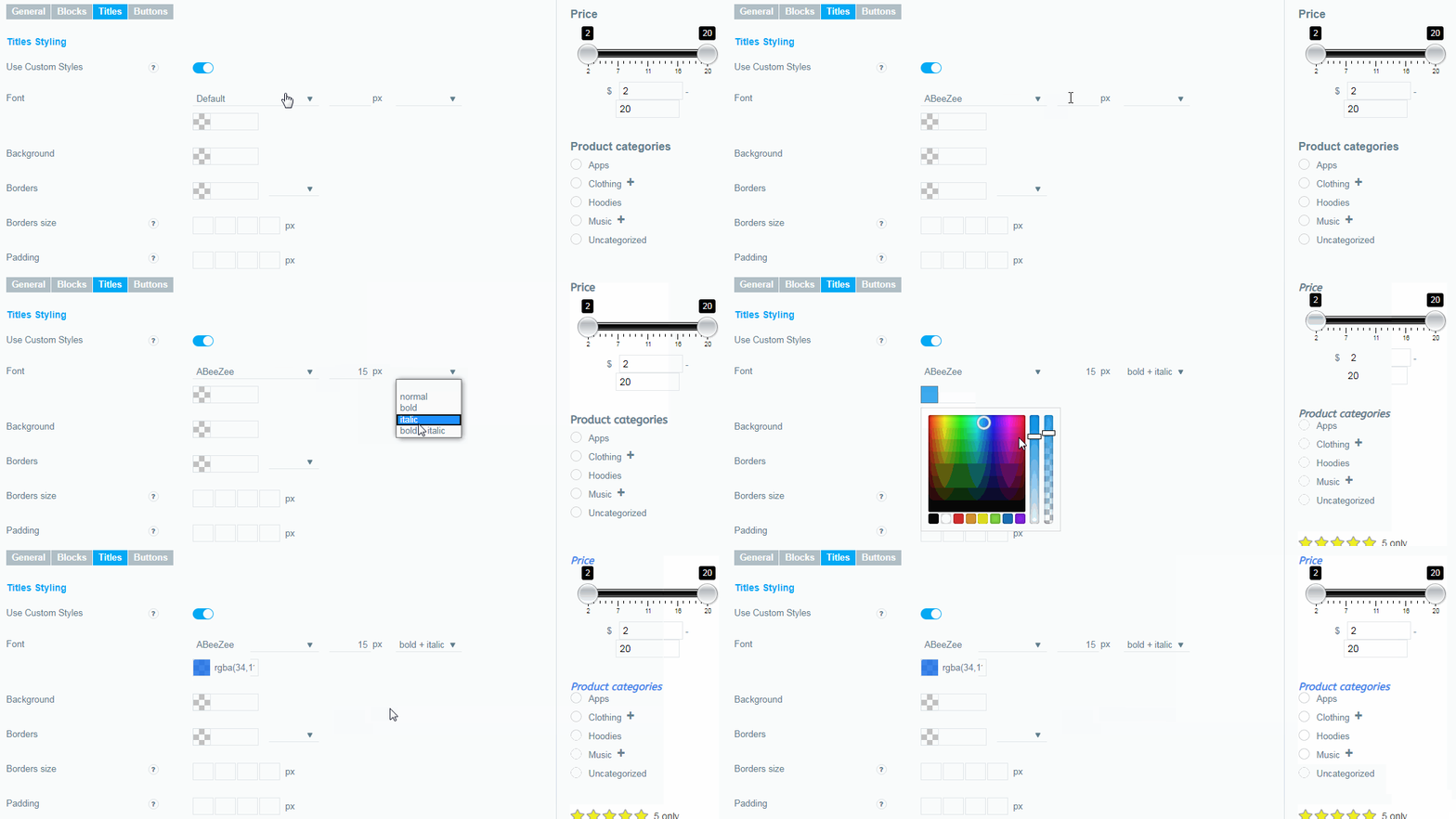
Font.
You can choose the font, font size, style and color for the Titles of your filter.
-
Background.
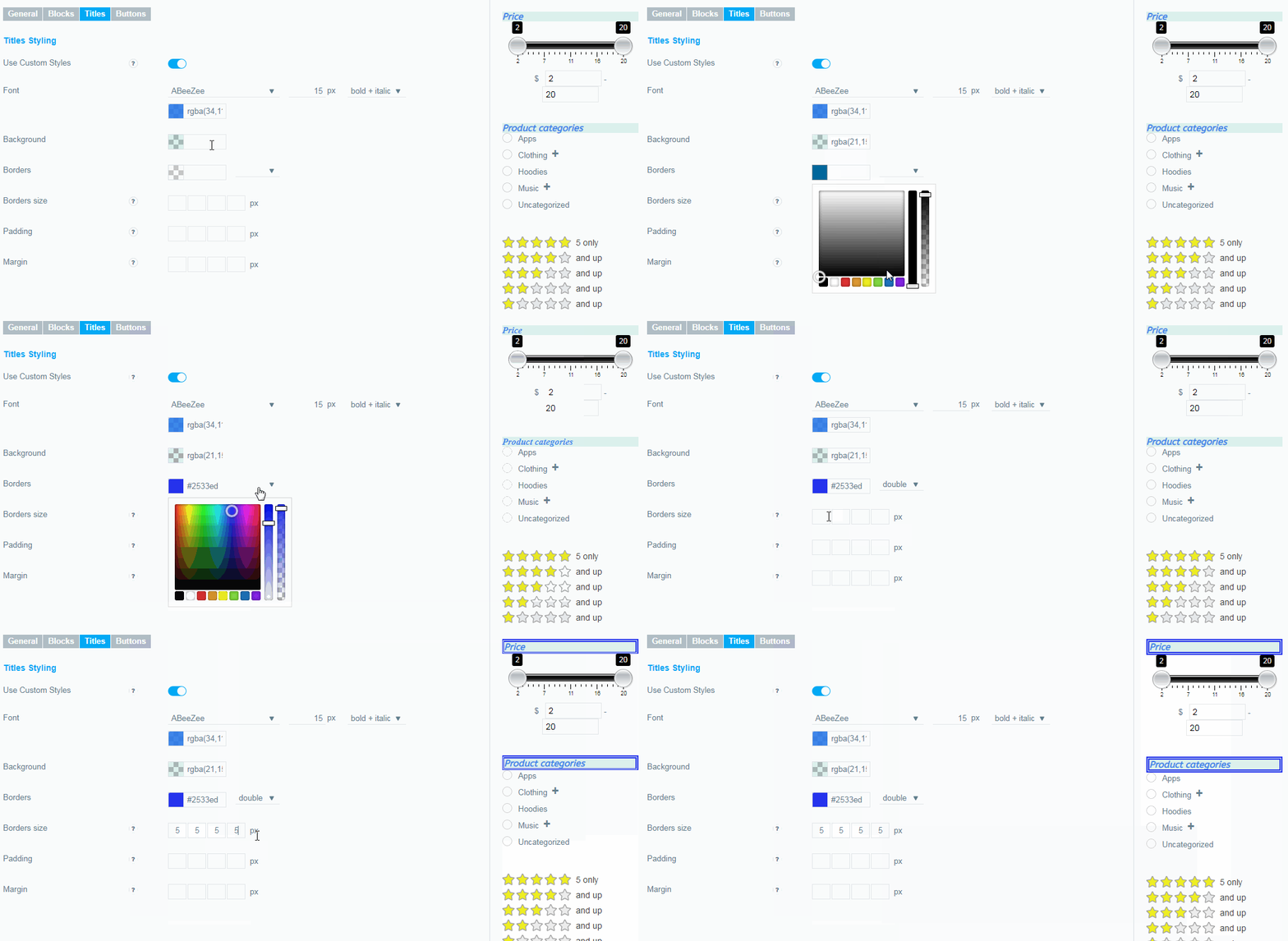
You can choose a background color for your filter Titles, leave it blank and the default setting will be applied.
-
Borders.
Set the border color and style for your filter.
-
Borders size.
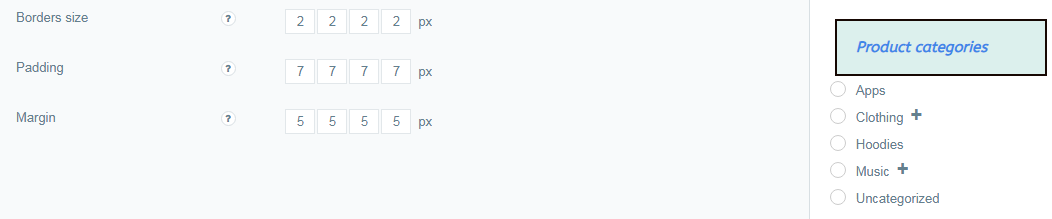
Here you can set borders width in this order: top, right, bottom, left.
-
Padding.
Here you can set paddings in this order: top, right, bottom, left.
-
Margin.
Here you can margins in this order: top, right, bottom, left.
Check out our documentation to learn more about other WooCommerce Product Filter options.
Also, if you have any questions, please contact us and we will be happy to help you.