
WooCommerce Product Filter plugin allows you to create a comfortable and multifunction filter for your customers. Not only sidebar filter but also horizontal!
Let \’s look for a few simple steps to create your Horizontal Product Filter:
- To get started, change the setting of the Filter block width up 20-25%
- Change the Filter width, by default it is 100%, but you can change it up to any value checking the result on the frontend, it depends on your theme template.

- Also, you can change the “Layout” for each section of the WooCommerce Product Filter plugin you want.
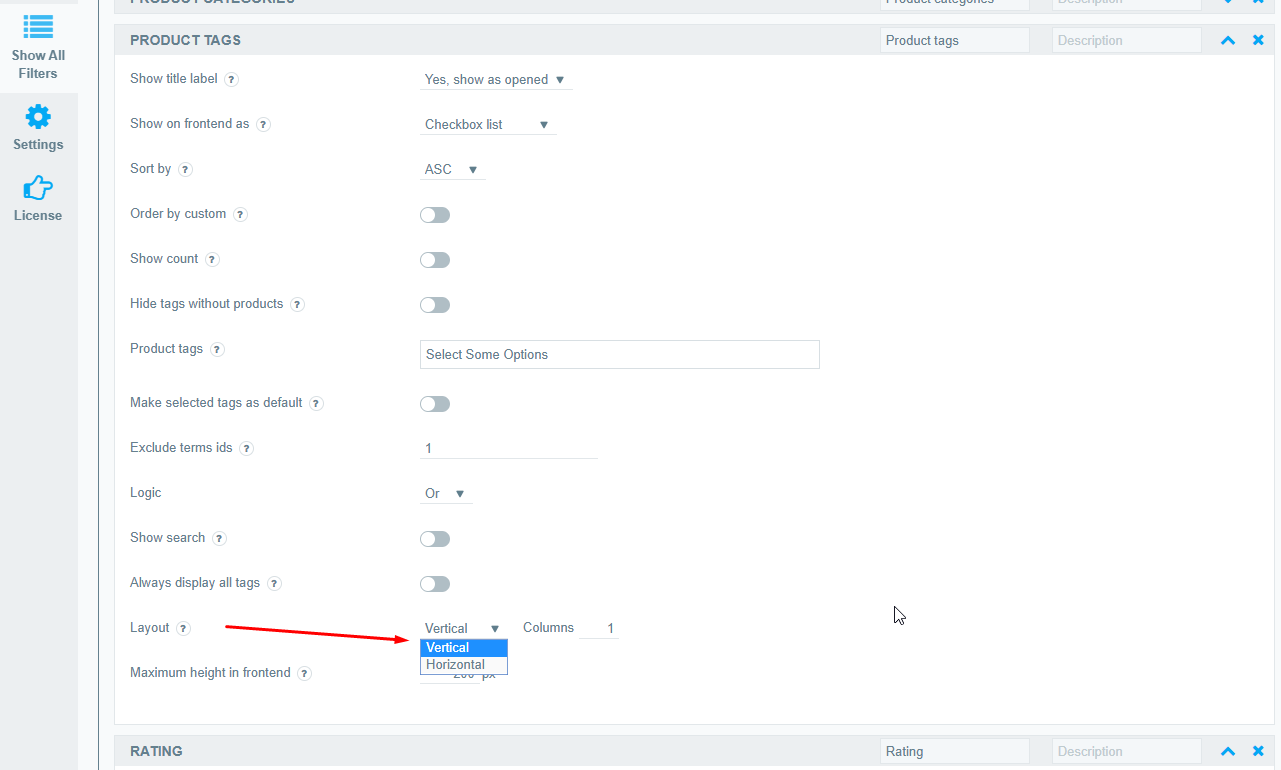
- Then you need to add a filter to the page via Widgets or via shortcode. Check our tutorial “How to add WooCommerce product filter to the shop?”
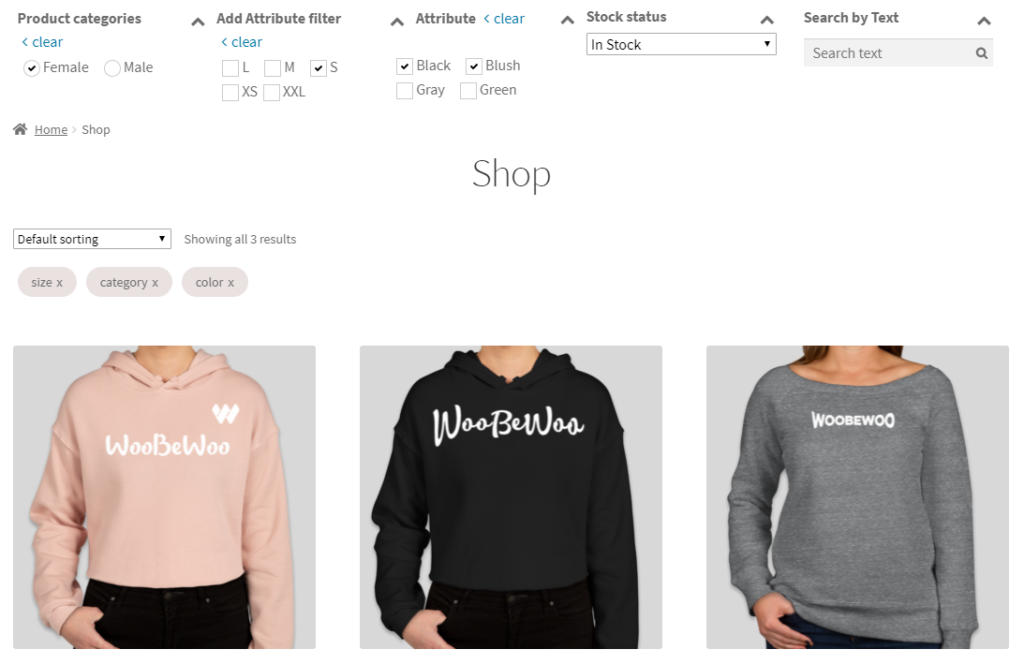
As a result, you will receive your Horizontal Product Filter!
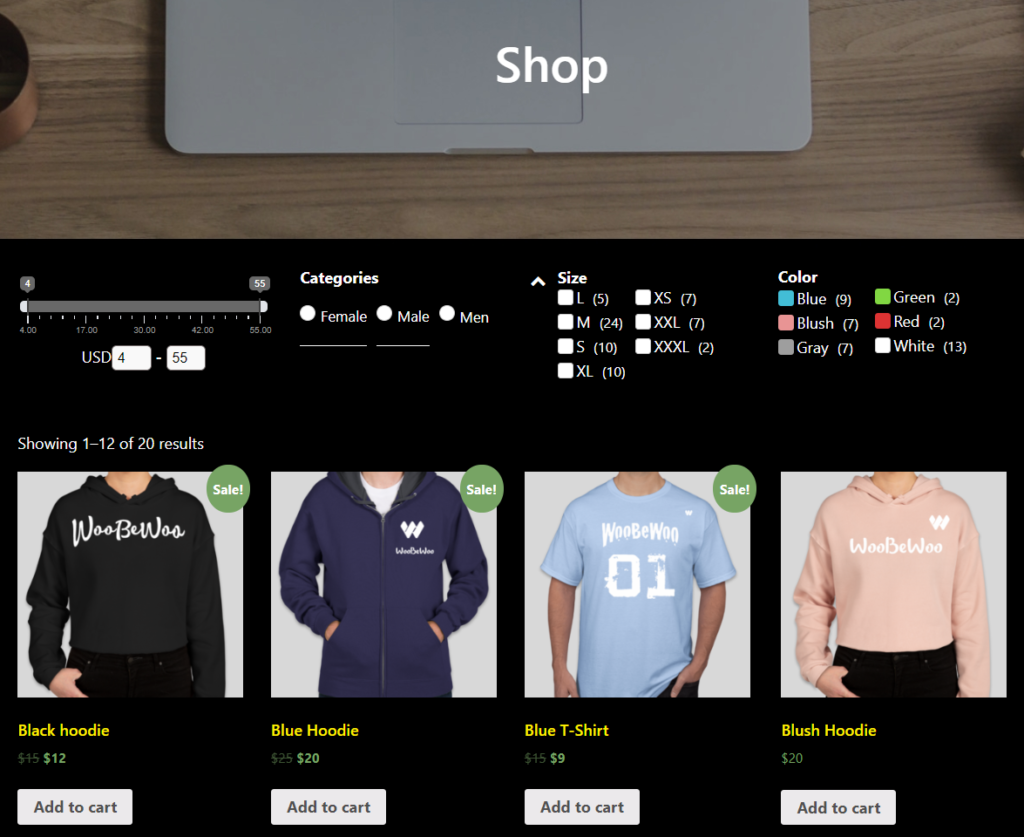
Also, you can check other topics about customization such as Easy to customize and set up.