
WooCommerce Product Table, due to its wide functionality, can do this in two ways.
Manually
To manually create a product table from a specific category, open WooCommerce Product Table -> Add New Table-> Select Products to add-> and Select the desired category->
And select the products you need from this category.

Automatically
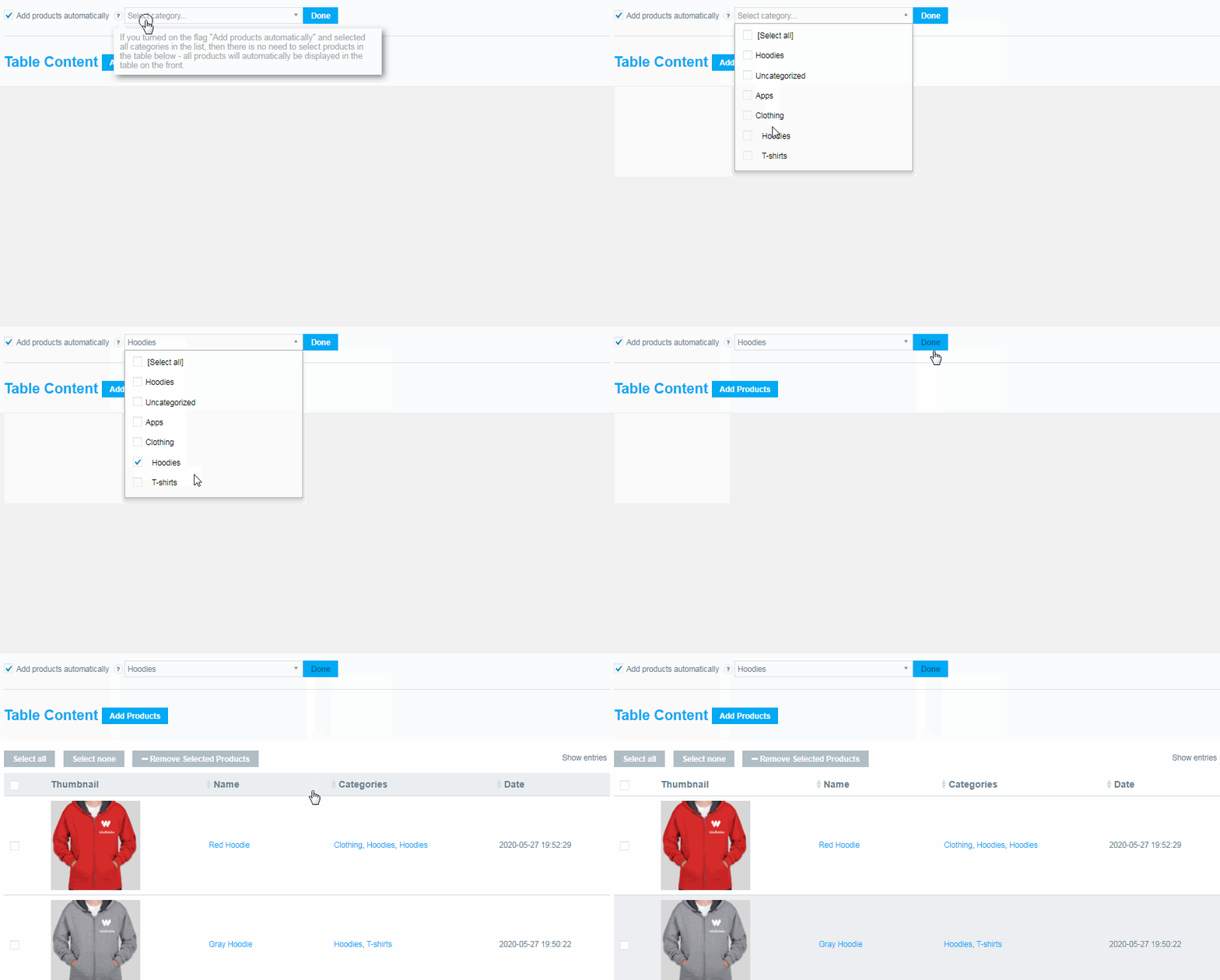
To automatically create a product table from a specific category, open the WooCommerce product table -> Add a new table-> Add products automatically -> and select the desired category-.
All products in this category will be added to the Product Table.
In the same way, you can create a Product Table by a specific tag, attribute, or author.
Check out our documentation to learn more about other WooCommerce Product Filter options.
Also, if you have any questions, please contact us and we will be happy to help you.