
Why do I Need a Print Button?
Most WooCommerce websites accept orders online! However, I fully understand that everyone uses WooCommerce in different ways. There are many good reasons why you might want to list products on your website, allowing customers to print an order form and fill it out with good old pen and paper. They can send it to you by mail, fax, as they like.
How to Add a Print Button?
Woocommerce Product Plugin offers a convenient interface for customization:
-Settings -> Appearance and put the hook PRINT
The table will now display the Print button.
Logo print. Select this option if you want your website users to be able to print the product table along with your website logo.
Also select Print captions to Print table caption, description and signature.

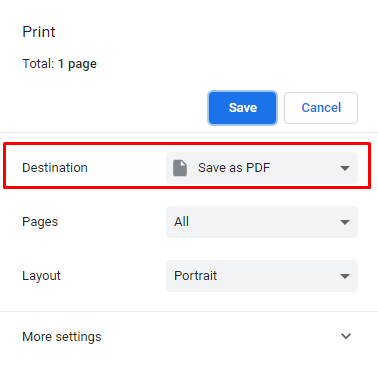
After your customers click on the Print button, they will see their print option in a new window. They will only have to choose a printer.
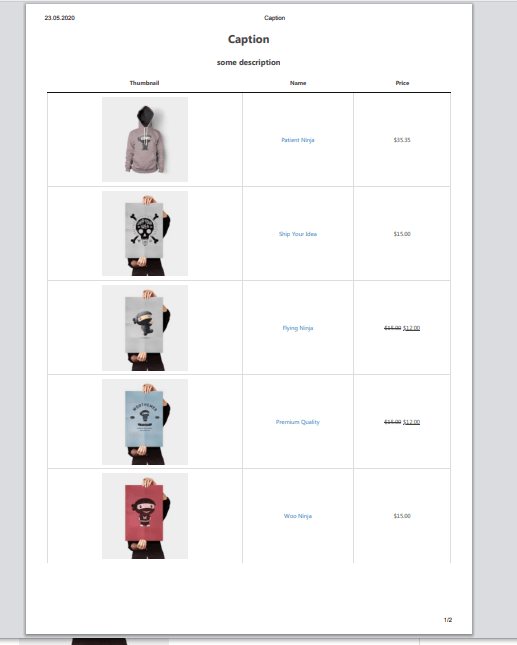
Also, you can save your table as PDF file by choosing to save as pdf at the new window in destination settings.
Still, have questions? Read our detailed documentation or Contact us and we will be happy to help you.